Prepare the assessment.
Set the viewing distance and select the appropriate assessment settings. Follow the release instructions and use a supported iPad.


VISUAL ACUITY ASSESSMENT FOR iPAD
For the moments when letters aren’t the starting point. Explore an assessment built around striped targets, visual rewards and the patient’s response.
For health professionals in Great Britain · Designed for iPad

THE ASSESSMENT EXPERIENCE
Set the viewing distance and select the appropriate assessment settings. Follow the release instructions and use a supported iPad.
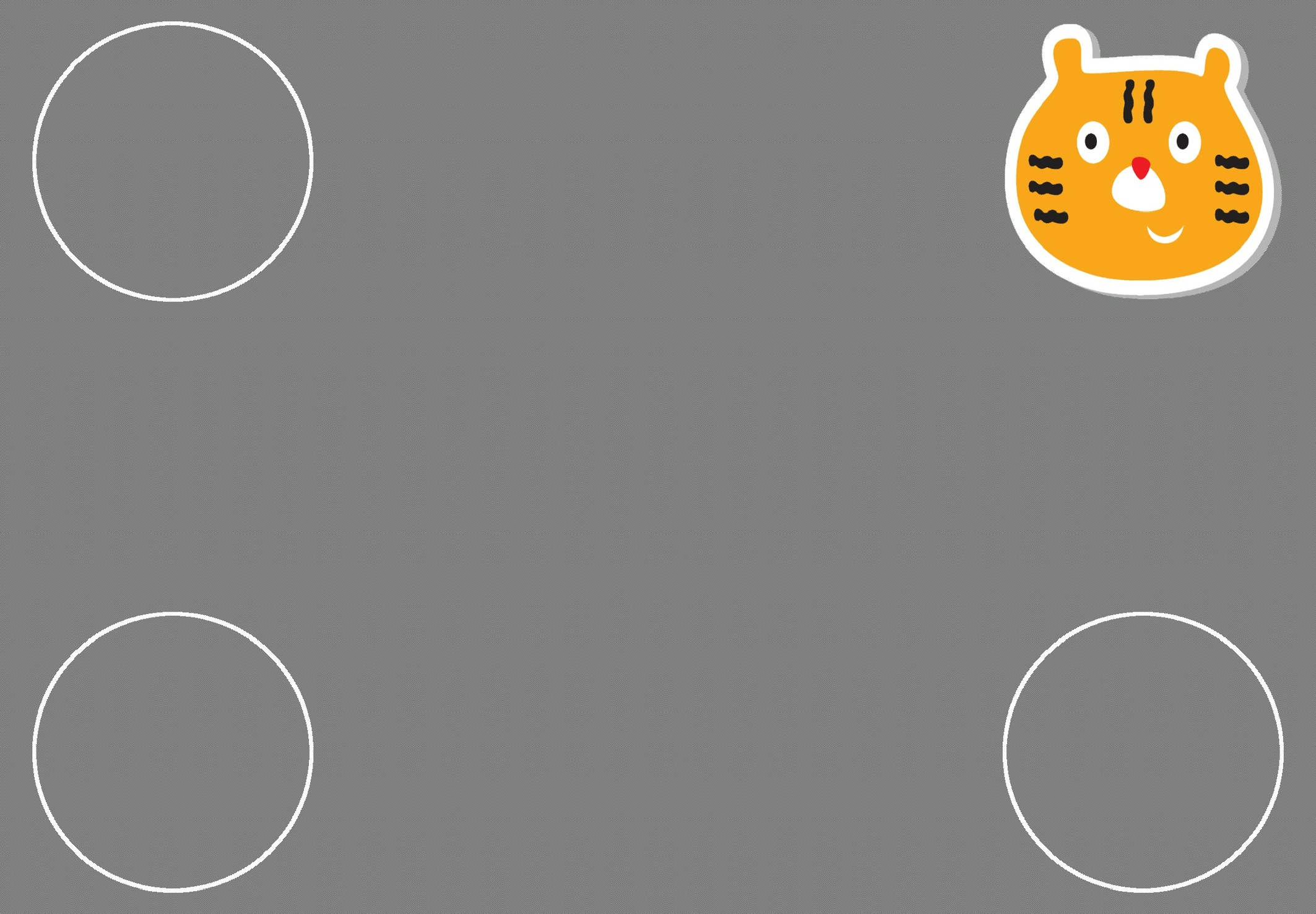
Present high-contrast grating stimuli, with sound and animation options to support engagement during the assessment.
Review the estimated acuity value in context. Further investigation and referral remain professional decisions.
TAKE A CLOSER LOOK
Set up the assessment, adjust engagement options and choose how results are presented.
01 / PREPARE
Adjust the viewing distance before beginning. Start an assessment from the main screen, or choose a specific acuity starting level when following the applicable testing protocol.
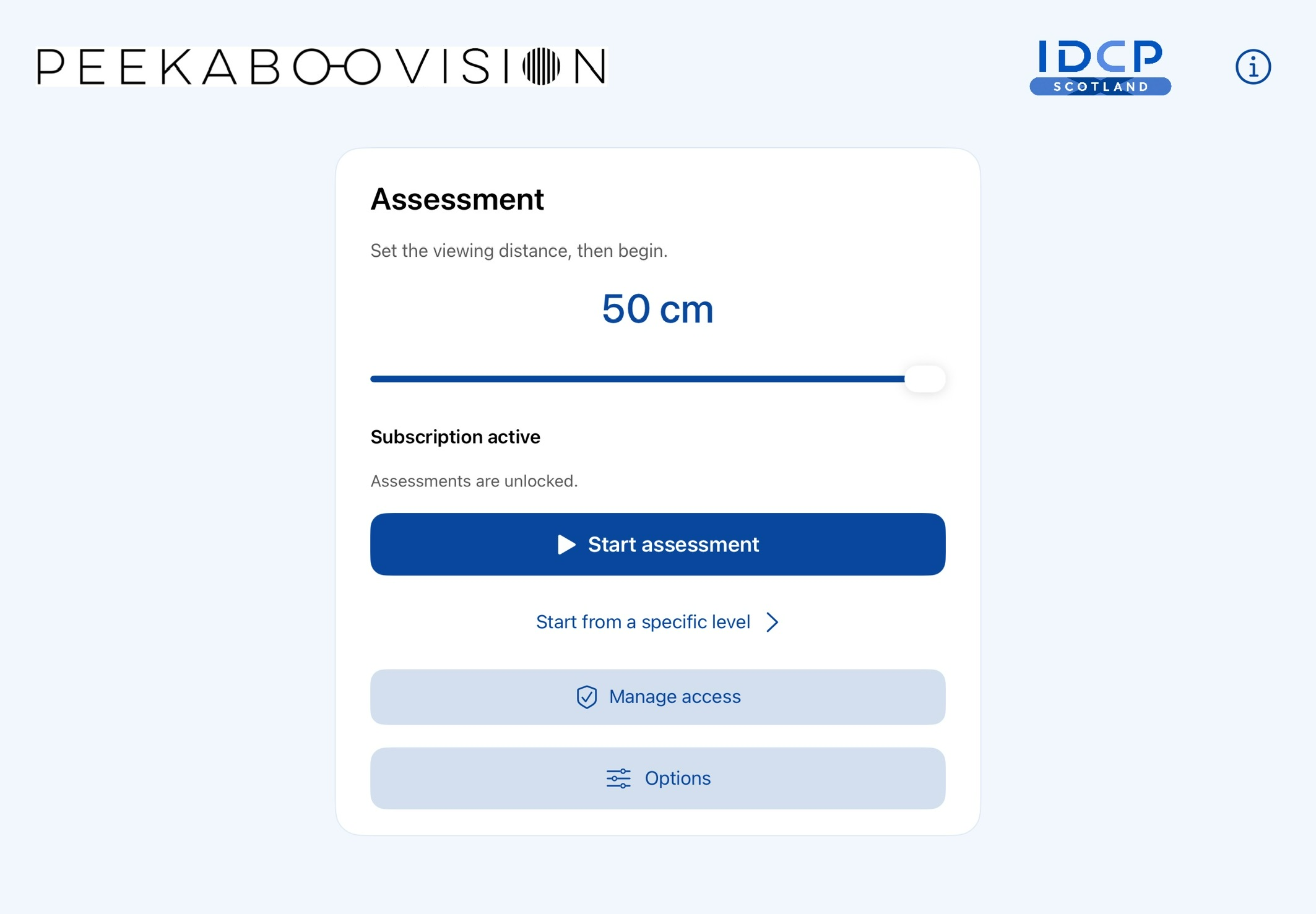
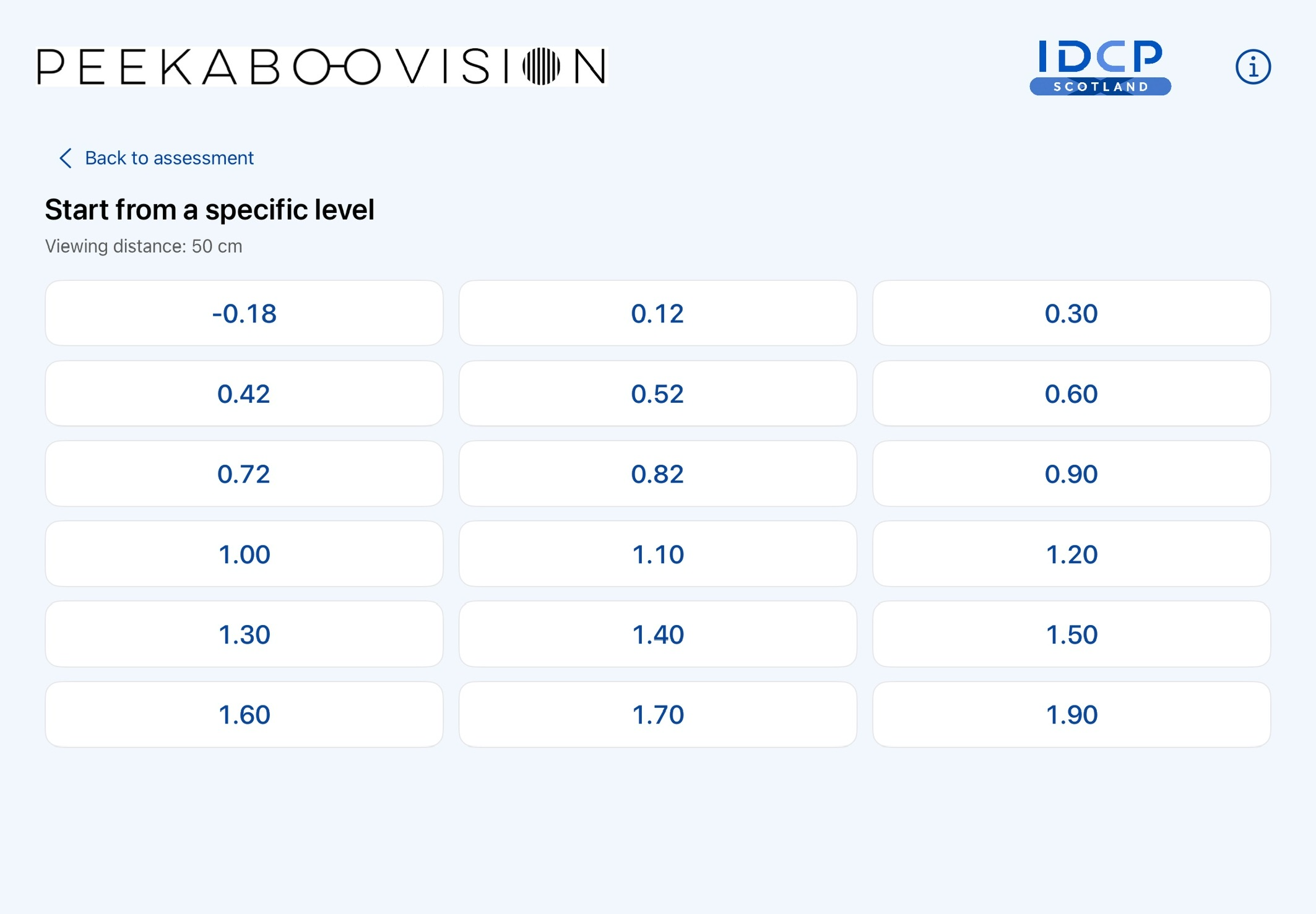
Assessment setup and the starting-level selection screen.
02 / ENGAGE
High-contrast grating targets create the assessment task. Colourful visual rewards, with sound and animation options, help make the experience engaging for the patient.
03 / ADJUST
Keep the controls close at hand. The Options screen brings together the app’s result, sound, animation and display settings.
Use settings and viewing conditions specified in the applicable instructions.
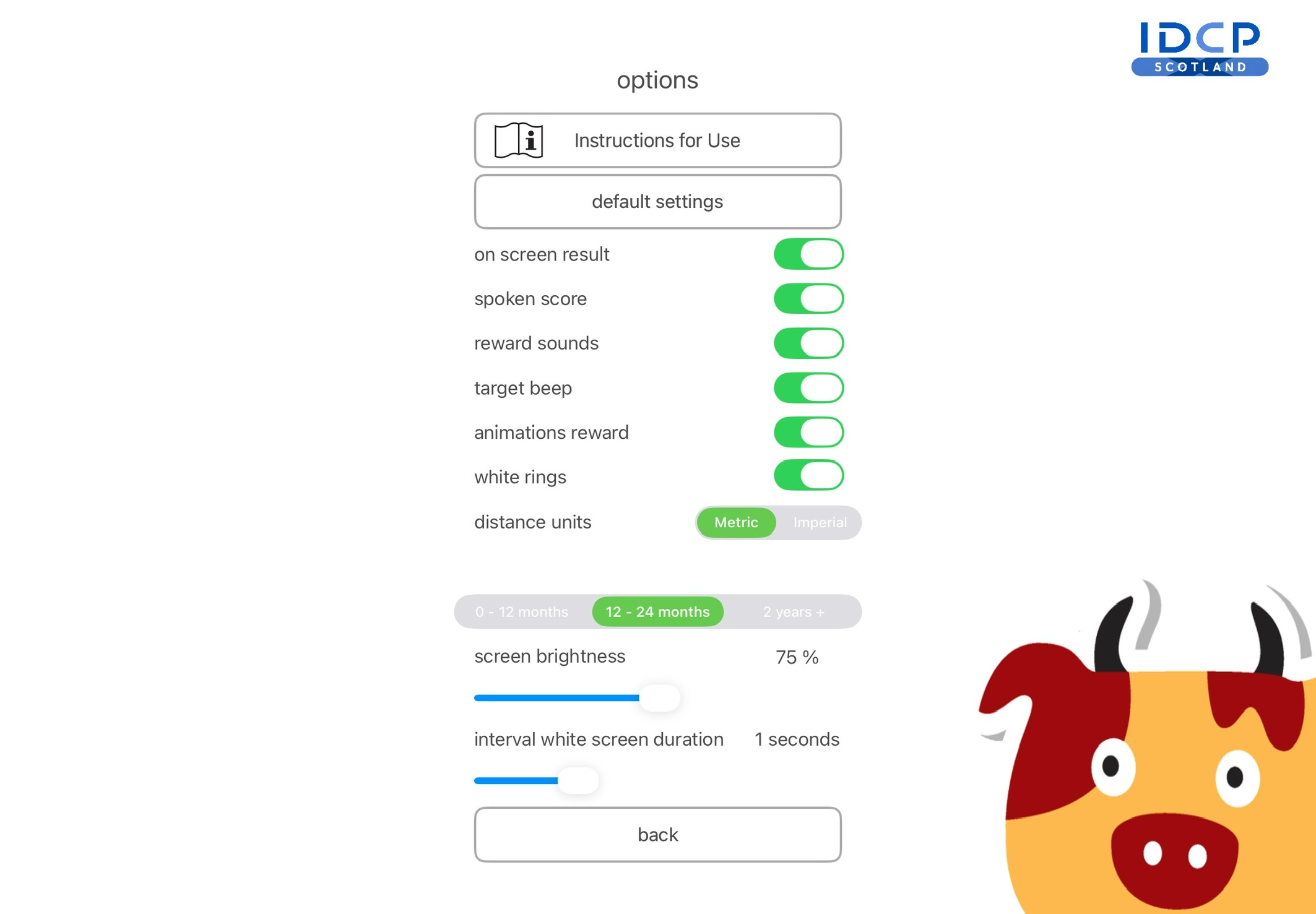
The app’s Options screen.
04 / REVIEW
On-screen results and spoken-score options support the end of the assessment session.
Choose the presentation options in the app’s settings. See the instructions for result information and the complete assessment protocol.
Read the user manual ↗PRACTICAL DETAILS
Need something else? Our team can help with product, compatibility and subscription enquiries.
Contact product support ↗Peekaboo Vision is for health professionals in Great Britain assessing infants, young children and older patients with additional needs who cannot complete traditional acuity tests. It is not intended for independent patient operation.
A compatible iPad, the applicable app access and the operating instructions. IDCP supplies the software; your organisation provides the iPad and clinical environment. Follow the specified viewing distance and assessment conditions.
The V1.1.0 manual lists iPad 5th generation with iPadOS 15, iPad 6th generation with iPadOS 17 only, and iPad A16 with iPadOS 27. Other combinations are outside the launch scope. Read the user manual and confirm your exact configuration before purchase or clinical use.
At the initial launch, access is through Apple monthly or annual subscriptions. Direct organisation licences are planned for a later offering and are not currently available. Contact IDCP for information about future arrangements.
The instructions page provides the V1.1.0 user manual as a PDF to read or download. Visit support for technical help or to report a product concern. Our contact is Support@idcpscotland.co.uk.
From NHS clinical development to the next chapter with IDCP Scotland.
Read the Peekaboo story ↗ACCESS AND PRICING
Initial access is through Apple: £6.99 per month or £59.99 per year. Annual access is billed as one yearly payment. Both plans renew automatically unless cancelled through Apple.
Look for “Peekaboo Vision - New”. Check the price, billing period and supported configuration before confirming your purchase. Direct IDCP organisation licences are not available at the initial launch.